Before integrating remote body capture, telehealth, and digital health teams need to know whether users can reliably complete a two-photo scan without a technician present. The answer depends on the guidance provided during capture and the conditions in which the scan is completed.
FitXpress is a guided, two-photo body-measurement technology that companies embed in their existing app or web experience. Integration is available through web and mobile software development kits (SDKs) and an application programming interface (API).
Guided capture reduces avoidable variation in photos, while the program prepares users for conditions that guidance cannot control. That preparation includes clear instructions, advice on clothing and phone placement, a retake route, and an alternative path for users who cannot scan.
Scope: FitXpress provides structured body data for the company’s care team or other designated professionals to review, and clinical interpretation stays with those professionals.
Quick answers
| Topic | Direct answer | Important qualification |
| Photo capture | FitXpress guides the user through front- and side-photo capture. | Usable results depend on suitable capture conditions. |
| Positioning | Real-Time Pose Validation (RTPV) provides real-time positioning and framing feedback. | RTPV is a capture-quality control, not a clinical posture assessment. |
| Clothing | The Clothing Detector identifies clothing conditions that may interfere with capture. | Close-fitting clothing helps preserve the body’s visible outline; loose, layered, or oversized clothing can hide parts of the body. |
| Self-scanning | Users can complete supported capture flows independently. | Accessibility, available space, and device placement affect completion. |
| Retakes | The capture flow can guide the user through resolving capture issues and retrying. | Some quality problems can’t be detected automatically. |
| Workflow | Capture can be embedded through web or mobile SDKs and connected to the API. | Clinical interpretation and decisions remain outside FitXpress. |
| Timing | Structured results return within 45 seconds after the front and side photos are submitted. | Total time depends on the company’s onboarding flow, user preparation, and whether another capture attempt is needed. |
| Progress | Programs can compare body measurements, body composition estimates, and 3D models across selected scans. | Body Progress shows changes between completed scans; Future Body creates a goal visualization for a desired weight. |
How FitXpress controls capture quality
How does FitXpress help users capture usable photos?
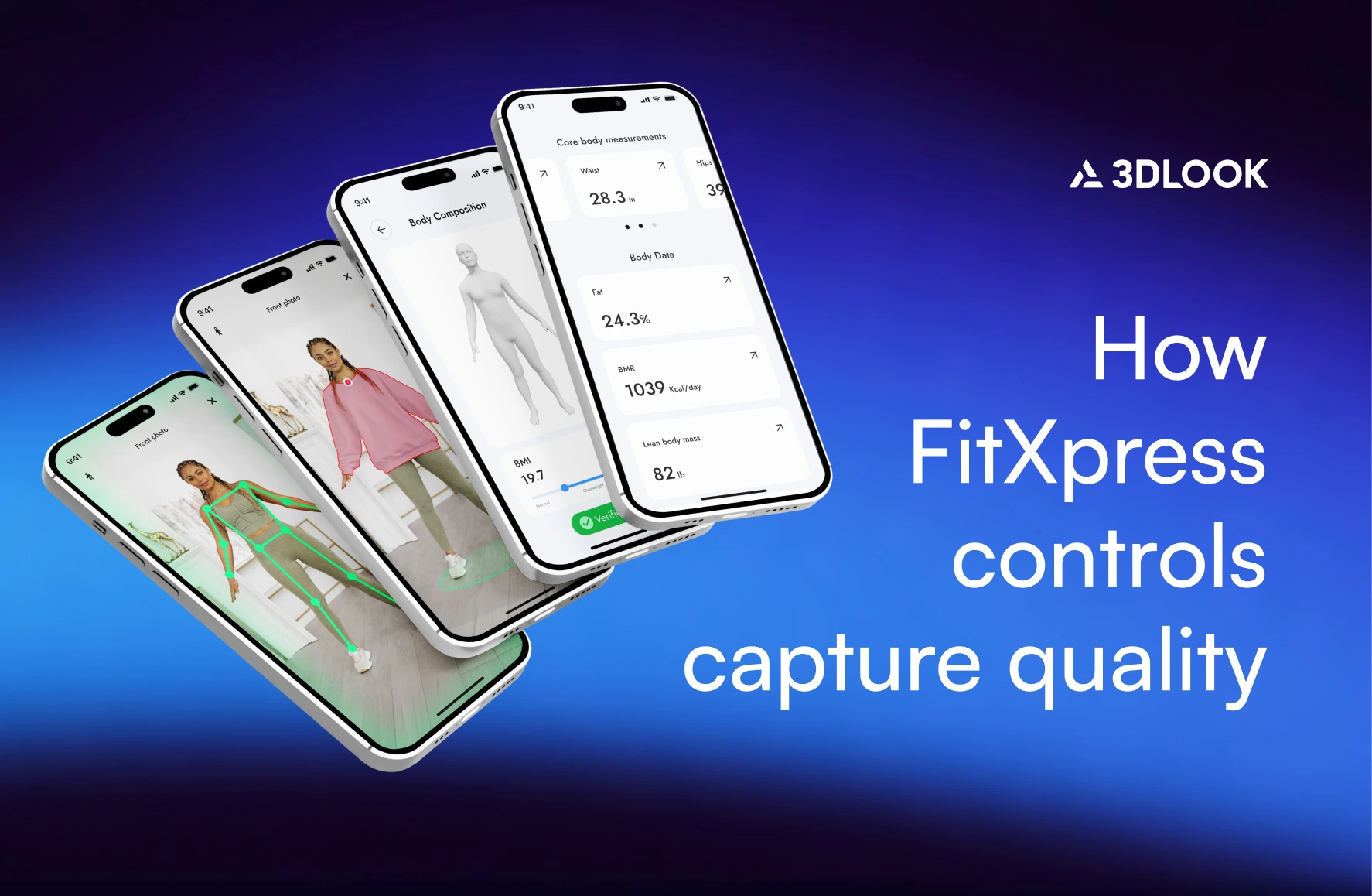
FitXpress guides each user through standardized front- and side-photo capture. Before each photo, real-time feedback identifies adjustments to positioning and framing.
In the standard end-user flow, capture runs through a supported SDK, which provides these guided capture controls. Using the same instructions and checks helps repeated scans begin under more comparable conditions.
The guidance reduces avoidable errors. Lighting, clothing, and phone placement also affect each result, and the program’s own instructions shape those conditions before the checks run. What happens to the photos after capture is covered in the section on how two photos become structured body data.
What is Real-Time Pose Validation (RTPV)?
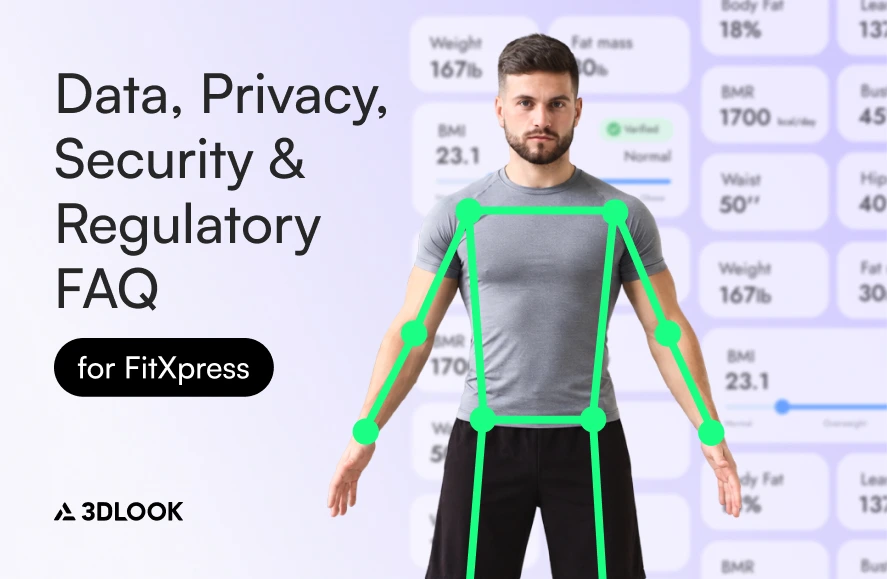
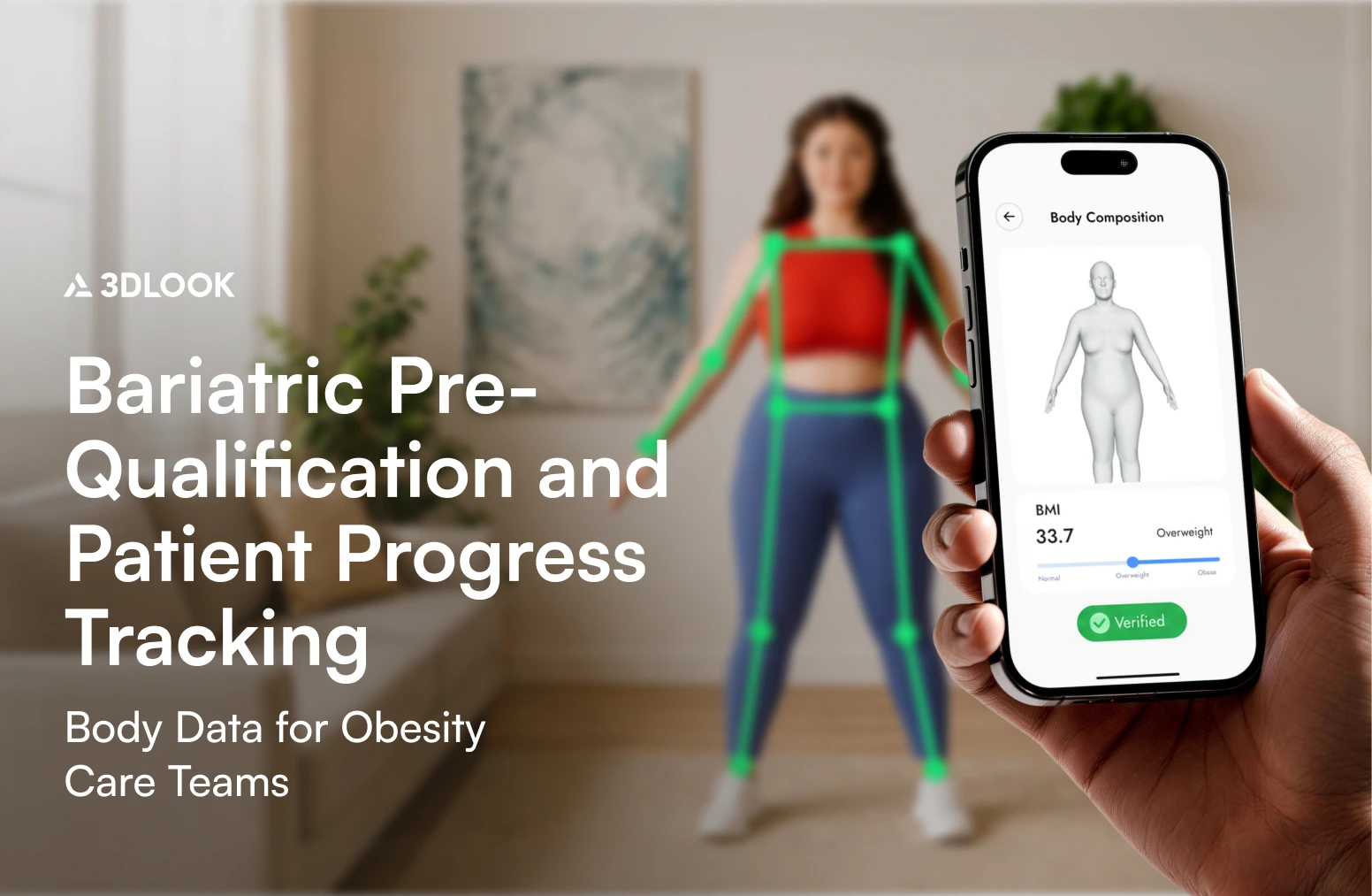
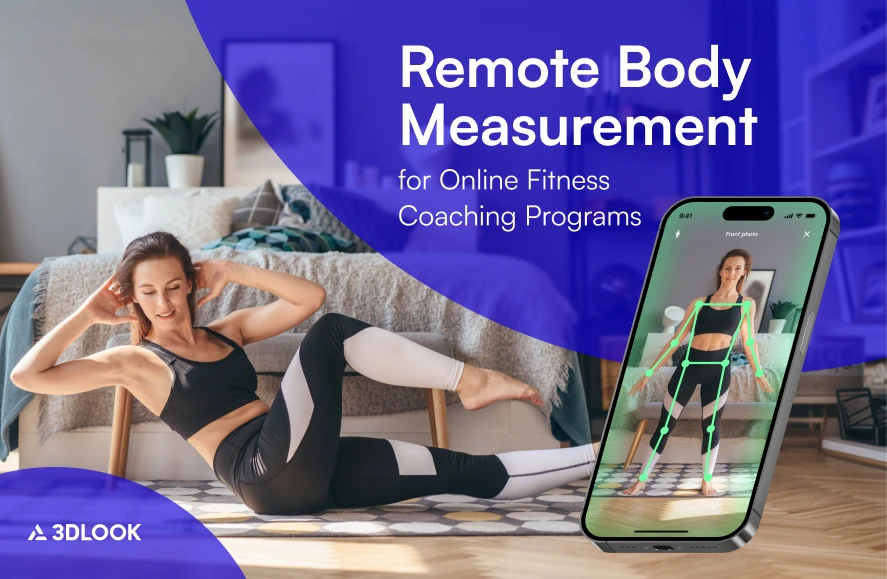
Real-Time Pose Validation (RTPV) is the positioning and framing control built into the FitXpress capture flow. It uses real-time skeletal tracking and requires alignment checks before each photo is taken.
When the user’s alignment falls outside the capture requirements, red markers identify the areas that need adjustment, and voice prompts guide the correction. The markers turn green when the alignment requirements are met, and capture can continue. Phone-angle guidance is a separate control: RTPV evaluates the person’s position and framing, while device guidance addresses phone tilt.
RTPV is a capture-quality control. It does not assess clinical posture or musculoskeletal health.
The company controls and brands the surrounding experience, including onboarding, user instructions, and the results display. The core capture flow that RTPV operates on is standardized to ensure consistent capture across users and scan sessions.
What happens when a user’s position does not meet the capture requirements?
During capture, the flow identifies what the user needs to correct before capture can continue. The guidance addresses position, framing, and phone placement:
- Repositioning. The user may be asked to adjust their distance or body orientation.
- Framing. When part of the body falls outside the frame, the prompt asks the user to bring the full body into view.
- Phone angle and placement. The user corrects the phone tilt or changes its placement.
Any corrections and another capture attempt remain within the guided capture flow. Identifying positioning and framing issues before each photo can help reduce avoidable retakes, though some users may still need more than one attempt.
What happens when clothing may affect scan quality?
FitXpress records clothing-related detection results that may affect measurement accuracy. Clothing-related flags are stored with the scan session and available alongside other capture-quality information for review.
Clothing matters because the scan relies on the body’s visible outline. Close-fitting clothing helps preserve that outline, while loose, layered, oversized, or body-obscuring garments can hide parts of it.
The Clothing Detector does not automatically instruct the user to change clothing or complete another capture. The company should explain the clothing requirements in its onboarding screens before the guided capture begins.
Capture conditions, incomplete capture, and self-scanning
How much do user behavior and capture conditions affect the results?
Capture conditions affect the results. The effect depends on the condition and the measurement, so a single percentage cannot represent the effect across all user behavior or environmental variation.
The conditions that matter are positioning, framing, camera placement and angle, lighting, distance from the camera, and clothing. For repeated scans, using similar lighting, camera placement, pose, distance, and clothing conditions at baseline and at follow-up supports comparable results.
Three terms describe different properties of a scan:
- Accuracy is how close a result is to the selected reference method.
- Repeatability is the consistency of the repeated scans under comparable conditions.
- Capture quality is whether the submitted photos meet the processing requirements.
For most evaluated measurements, repeated scans showed typical scan-to-scan differences of less than 1 cm. The body-scanning accuracy framework sets out the methodology.
What happens if a user cannot complete the guided capture?
The next step depends on the fallback workflow defined by the program. FitXpress provides corrective guidance and another capture attempt inside the guided flow. Support beyond that flow is a design decision for the program.
A fallback workflow can include:
- Another guided attempt with targeted corrective instructions
- Assisted capture or support from program staff
- An alternative data-collection workflow
Accessibility requirements should be considered before launch, particularly for users who cannot maintain the standing front and side positions required by the standard flow.
Can users complete a scan alone at home?
A supported self-scan flow guides the user through both photos without a technician or a dedicated scanner.
The phone stands vertically on a stable surface around desk height. With the phone in place, the user stands in the front and side positions while on-screen feedback guides positioning in real time. Users should follow the on-screen guidance for lighting, distance, framing, and phone placement.
Completion depends on mobility, available space, smartphone access, the ability to follow the positioning instructions, and access to an area suitable for photos.
Workflow integration and timing
Can FitXpress be integrated into a telehealth or clinical workflow?
Yes. The company embeds the guided capture step in its product, and the structured outputs are returned to its workflow for review.
A typical sequence has six steps:
- The company places the guided capture step in its app or web experience.
- The user completes front and side capture.
- The company’s backend submits the captured images and required inputs to the FitXpress API.
- FitXpress processes the scan and returns structured outputs.
- The company stores, displays, or routes the outputs according to its workflow.
- The care team or another authorized professional reviews the information.
Integration runs through web and mobile SDKs and the API. The FitXpress Admin Panel complements that integration by providing centralized access to view, filter, manage, and export scan records associated with the company’s API keys.
The company can present capture and results within its own interface, such as a telehealth or body measurement app. The company controls which outputs appear and how they are routed for review. Deployment options for telehealth programs are described on FitXpress for telehealth and digital health.
FitXpress provides structured outputs for clinician or care-team review. Clinical assessment, treatment, and eligibility decisions remain with the company’s clinicians or other designated decision-makers. FitXpress does not replace any reference method required by the applicable protocol. FitXpress is not a medical device.
Storage, retention, and regulatory questions are answered in the FitXpress data, privacy, security, and regulatory FAQ.
How long does capture and processing take?
FitXpress returns structured results within 45 seconds of submitting the front and side photos. Total time from onboarding to results depends on the implementation, user preparation, and whether another capture attempt is needed.
- Onboarding and preparation. The company’s onboarding screens determine the length of this stage.
- Photo capture. Capture time depends on how quickly the user follows the positioning prompts and whether a retake is needed.
- From photos to results. This is the stage described by the within-45-second figure.
Can users upload existing photos instead of completing the guided capture?
No. Users cannot upload existing photos in the standard guided FitXpress capture flow.
The system requires front and side photos to be taken under defined conditions, and RTPV and the Clothing Detector operate during the supported flow. Camera-roll photos are outside the standard FitXpress capture process and do not pass through its in-session positioning, clothing, and device-angle controls. Those controls help establish more comparable conditions between baseline and follow-up scans. The online pharmacy BMI verification guide explains why camera roll uploads provide limited evidence for verification in remote BMI workflows.
Tracking and displaying progress
How can programs track changes in fat mass and lean mass?
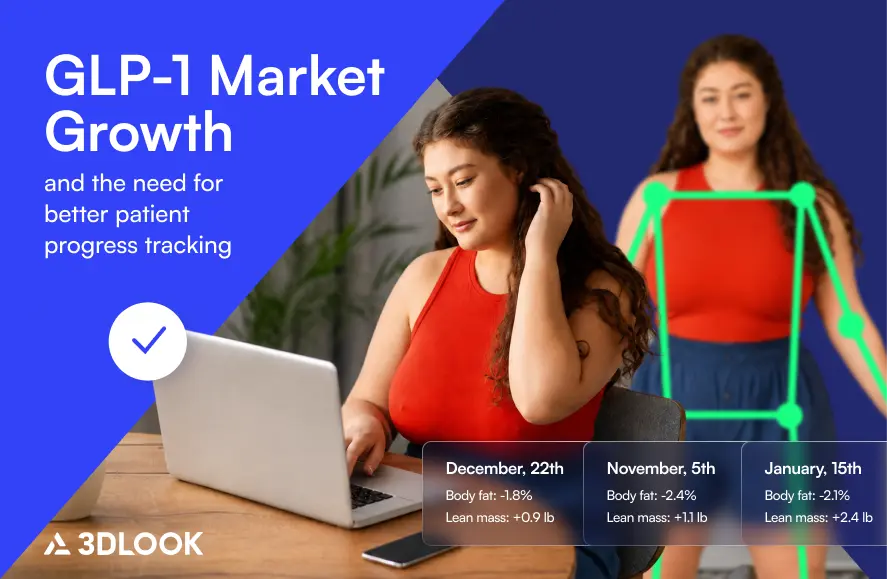
FitXpress can return estimates of body fat percentage, lean mass, and fat mass for each successful scan. Programs track change by comparing these estimates between a baseline scan and a later scan, together with selected body measurements. Height, weight, age, and sex are used as profile inputs for the calculated metrics and body-composition estimates.
FitXpress estimates body fat percentage, but does not provide a direct measurement of muscle mass. Lean mass includes muscle, water, bone, organs, and other non-fat tissue. For that reason, interfaces and supporting copy should use the term lean mass.
A successful scan can also return:
- 80+ body measurements
- A 3D body model
- Body composition outputs
- Body Progress outputs
- Smart Scales results
- Future Body results
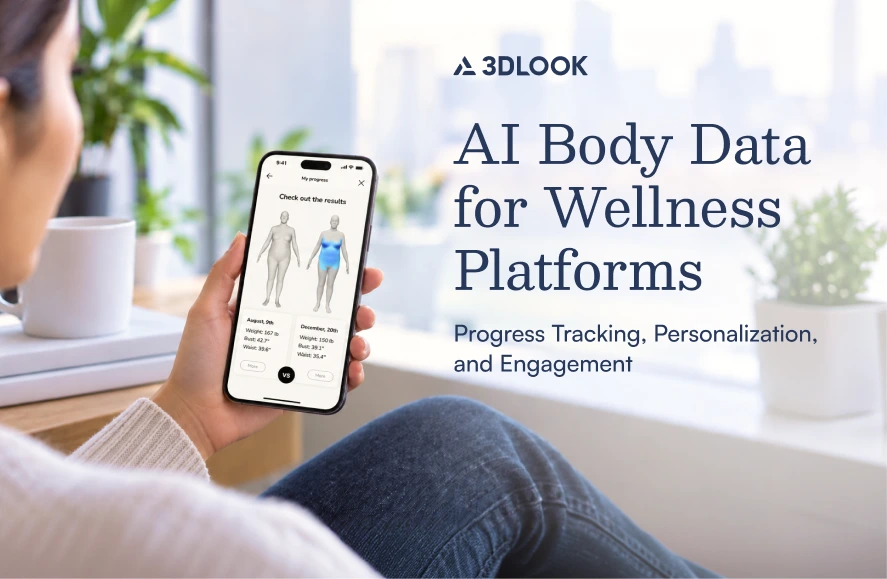
Body Progress compares two scans selected by the company using their scan identifiers and returns numerical values, 3D models, and comparison views.
How can programs visually display fat-mass and lean-mass changes?
The company controls how scan outputs and the 3D body model appear in its interface. FitXpress returns the structured outputs and the 3D model, and the program designs its progress view around them.
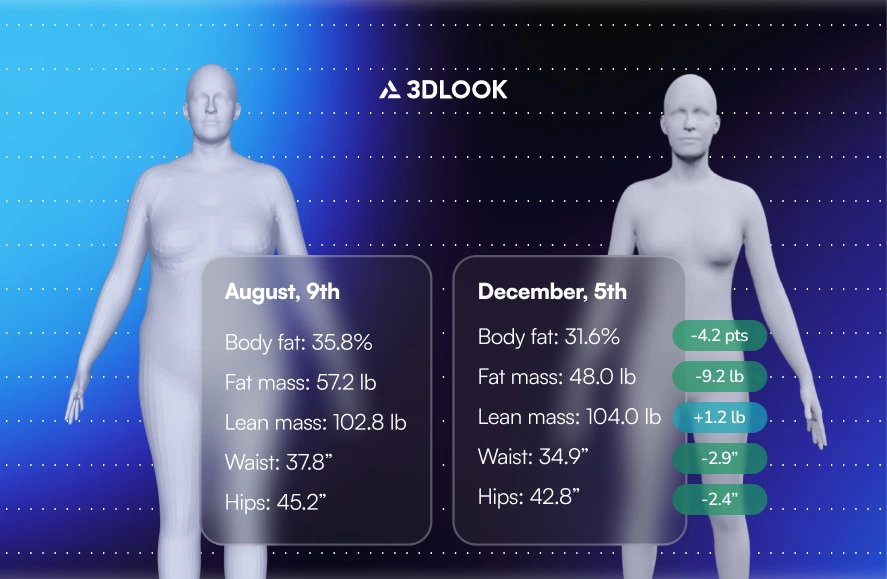
A progress view can combine:
- Baseline and follow-up values, with the change from baseline.
- Body fat percentage, fat mass, and lean mass.
- Selected circumference changes.
- A comparison of the 3D body models generated from the two scans.
The 3D comparison visualizes estimated body-shape differences between the selected scans. Body-composition change is communicated through the fat-mass, lean-mass, and body-fat estimates shown with the models. Color or shading on a 3D model should not be presented as a localized map of fat or muscle tissue. How programs present results over time is covered in the mobile body-scanning and patient-engagement sections.
How should programs show meaningful progress at 5, 10, or 20 pounds of weight loss?
Actual progress and goal visualization serve different purposes. Body Progress compares completed baseline and follow-up scans. The same weight change can correspond to different changes in fat mass, lean mass, body shape, and circumferences from one person to the next.
For an achieved 5-, 10-, or 20-pound milestone, the interface can present body weight alongside the relevant body-composition estimates, measurements, and baseline-to-follow-up 3D comparison. The company should identify the source of the weight figure, such as a clinic weigh-in, connected scale, or user entry.
Future Body uses two photos and one desired weight at a time to create a goal visualization. It represents a projected goal, while Body Progress represents change between completed scans. The program defines its milestone thresholds and comparison logic. Presenting the weight source, scan outputs, and comparison together shows what changed without implying that every pound lost came from fat.
Next steps
A short pilot with representative users can measure scan completion, first-attempt completion, retake rate, median completion time, support requests, and use of assisted or alternative workflows.
Ready to evaluate guided remote body-data capture for your product? Book a demo to review the FitXpress capture flow, integration options, and data-quality controls with the 3DLOOK team.